Send it without the bounce-back
Chat apps and email reject clips that run over their size cap. Compress the video first and it sends without the upload error. Use a quality preset, or set an exact target size with Pro.
Target sizes Pro Squeezio Soon onGoogle Play
 Android video compressor
The clip is too big to send, and it is filling up your phone. Squeezio compresses videos on device, so they are easy to share and take up less space. No account, and nothing is ever uploaded.
Made for
Chat apps and email reject clips that run over their size cap. Compress the video first and it sends without the upload error. Use a quality preset, or set an exact target size with Pro.
Target sizes ProA few minutes of high-resolution footage fills a phone fast. Compress the clips worth keeping to free up space, or run a whole batch at once with Pro.
Batch mode ProSqueezio writes the compressed video as a new file. Your original recording is never changed, so you stay in control of what to keep and what to delete.
Non-destructiveWorkflow
Open Squeezio and choose a clip from your gallery, or share a video into Squeezio from another app on your phone.
Pick a quality preset for a quick result, or set an exact target size for a platform with Pro. Manual bitrate, resolution, and frame-rate controls are there with Pro too.
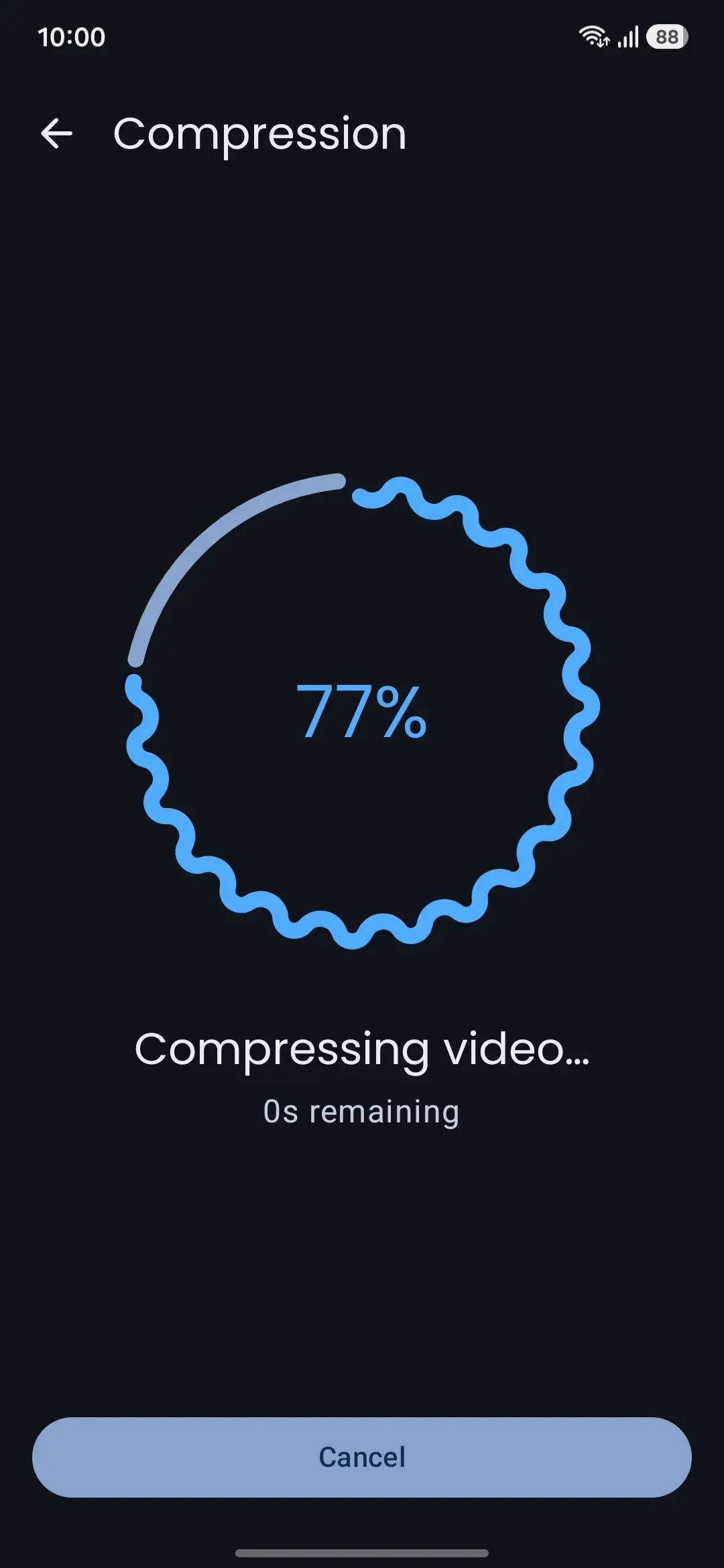
Squeezio encodes the video right on your phone. You can leave the screen or lock the device and come back to a finished file.
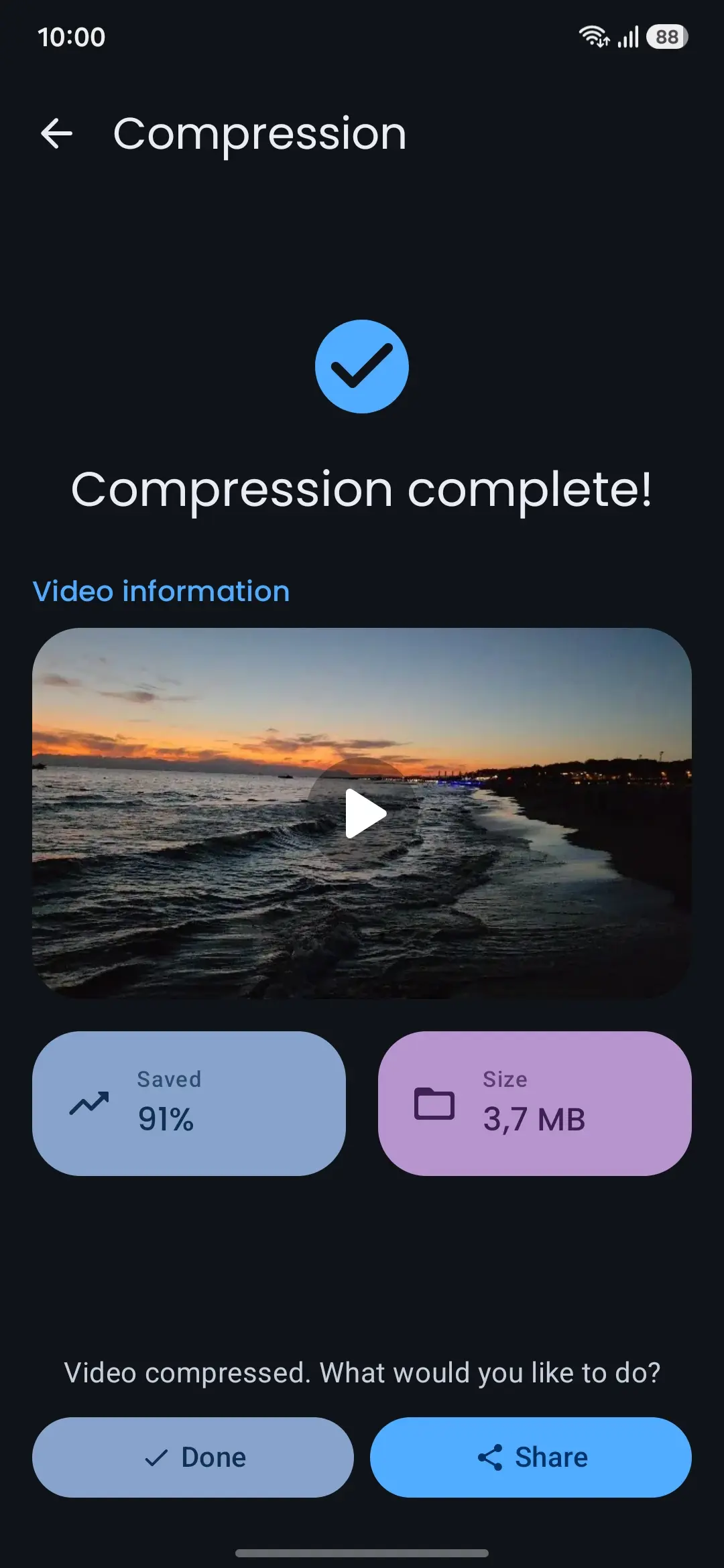
The compressed video is saved as a new file to your gallery. Hand it off straight from the share sheet, or keep it and move on.
Modes
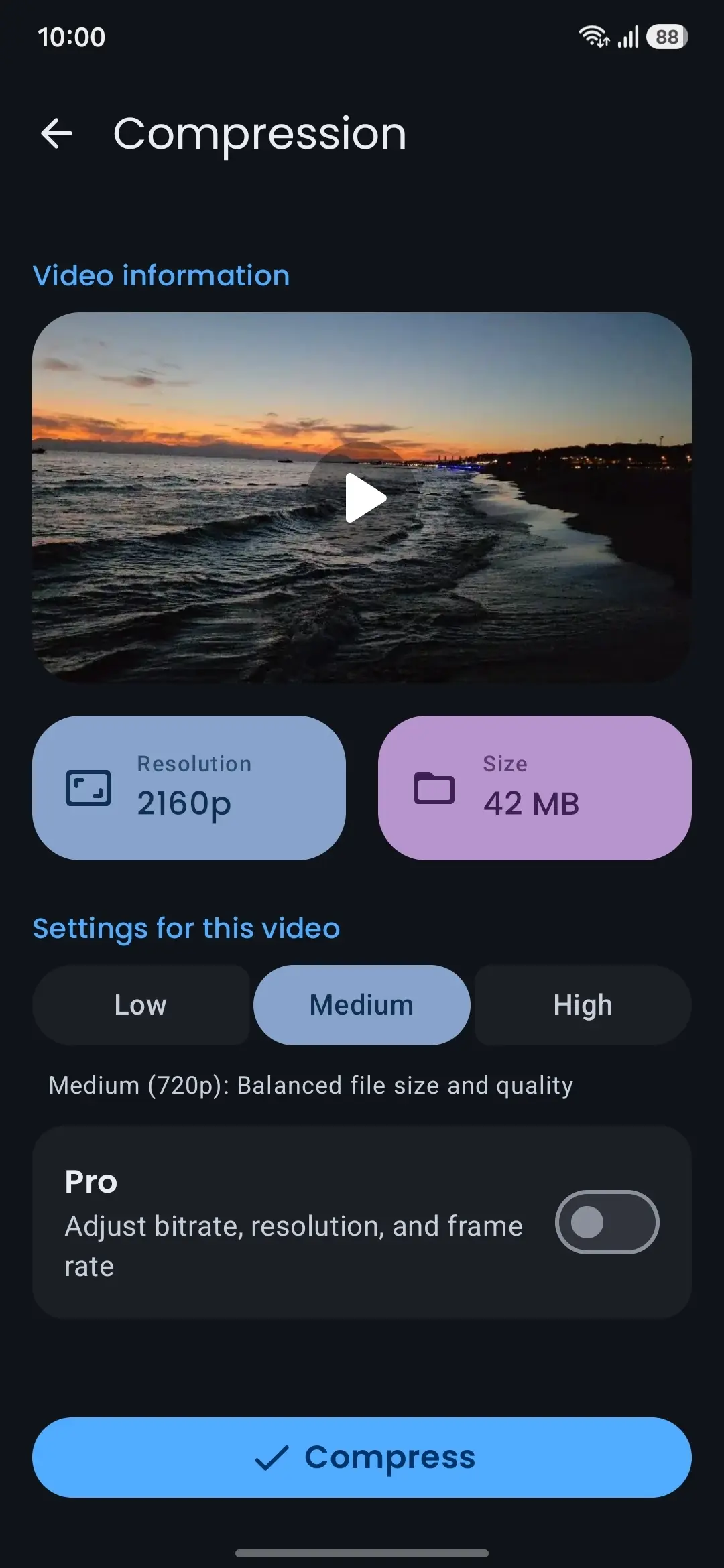
Three named presets, from smallest file to highest quality, up to 1080p. Let Squeezio pick the codec, or set AVC, HEVC, or AV1 in the app's settings where your hardware supports it.
Compress to fit an upload limit. Pick a preset or set a custom size in megabytes.
Squeezio is free to start. Pro is an optional upgrade through Google Play.
In use
Results
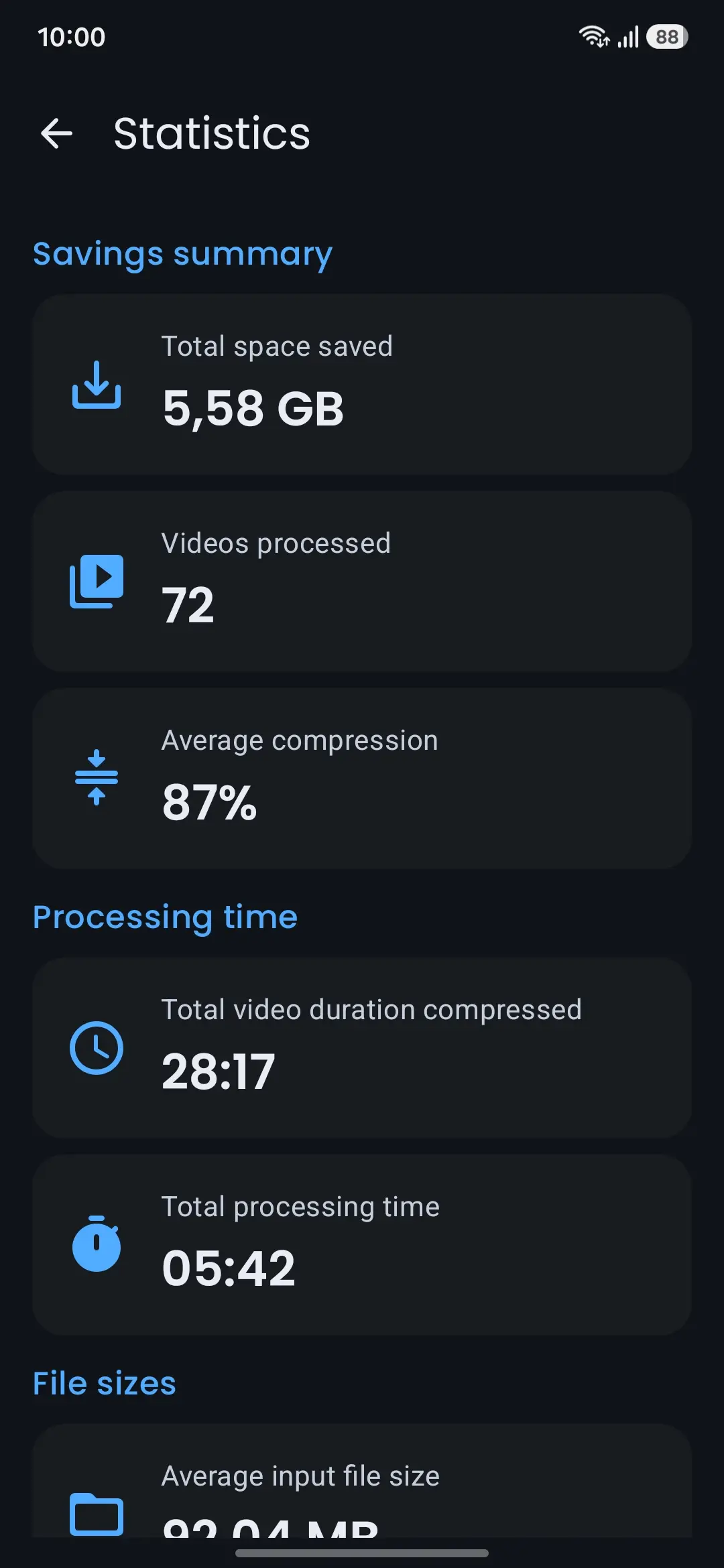
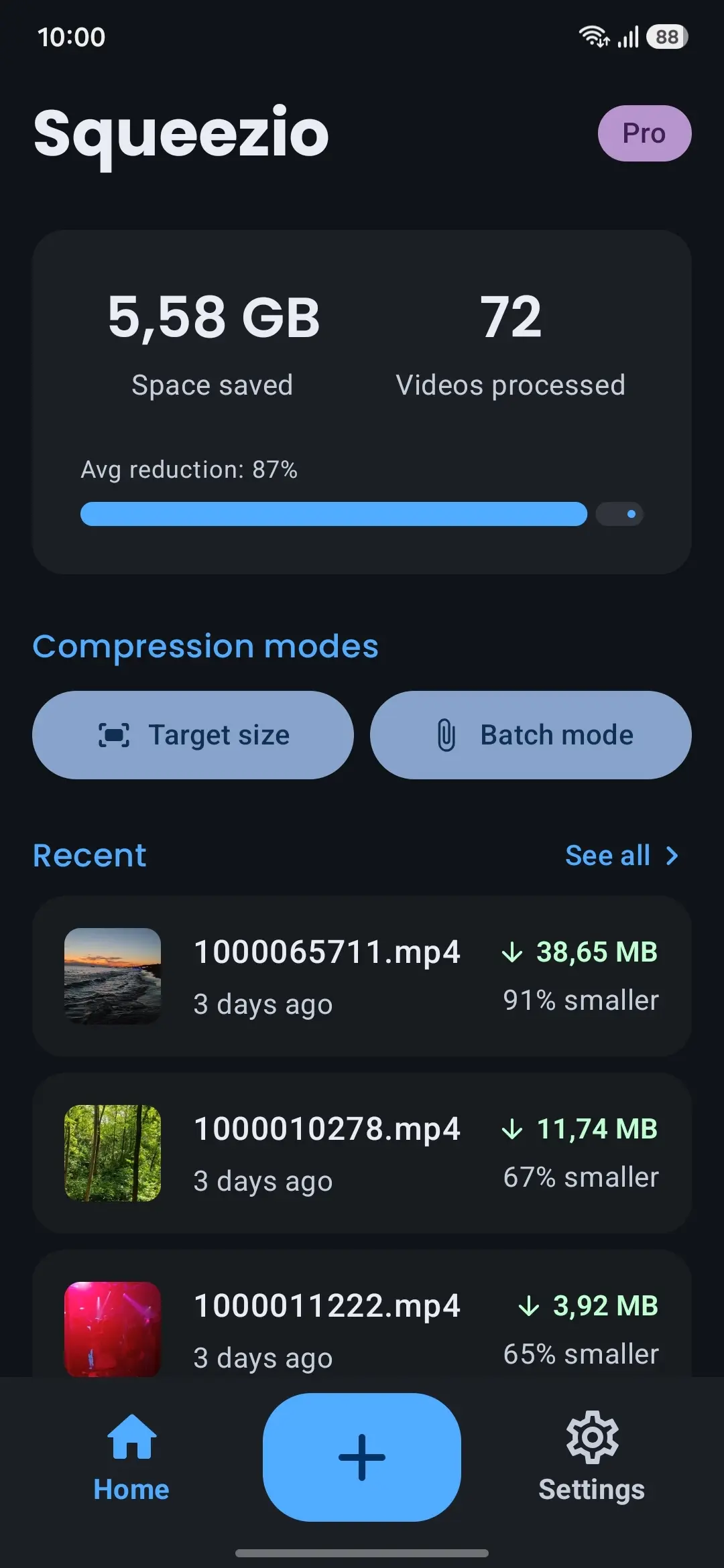
Every compression is logged on your device. The statistics screen adds it up over time, so the space you are getting back is easy to see.
Privacy
Squeezio is a utility, not a service. Compression runs on your device, and your videos are never uploaded to a server. There is no account and no sign-in.
Squeezio shows no ads. The only purchase is an optional Pro upgrade through Google Play. How crash diagnostics and the website are handled is set out in the privacy policy.
Common questions
No. Squeezio compresses videos directly on your device, and your videos are never uploaded for compression. There is no account and no server in the loop, so compressing your videos works without an internet connection.
It depends on the original video and the preset you choose. Higher-resolution clips usually have more room to shrink. Squeezio shows the size before and after for each compression, so you can see the result for your own files.
No. The compressed video is saved as a separate, new file. Your original is never modified or deleted, so you decide whether to keep it or remove it yourself.
You choose videos through the system file picker, so Squeezio does not need broad access to your photo library. You can also pick the folder where compressed videos are saved.
Squeezio works with common video formats your device can read and saves the result as an MP4. Depending on your device's hardware, it can encode with AVC (H.264), HEVC (H.265), or AV1, or choose automatically.
Today, Squeezio is an Android app. If that changes, the email list below is how we would let you know.
Squeezio is free to start: compressing a single video with the quality presets is free. Pro is an optional upgrade through Google Play that adds batch compression, exact target sizes, 4K output, and manual controls.
Updates
For real release news and any future platforms. A few emails a year at most, and never anything else.
Get Squeezio
Compress on device, keep your videos off the cloud, and share them with less hassle. Free to start, with an optional Pro upgrade through Google Play.